Take Busog with you.
A seat on your
home screen.
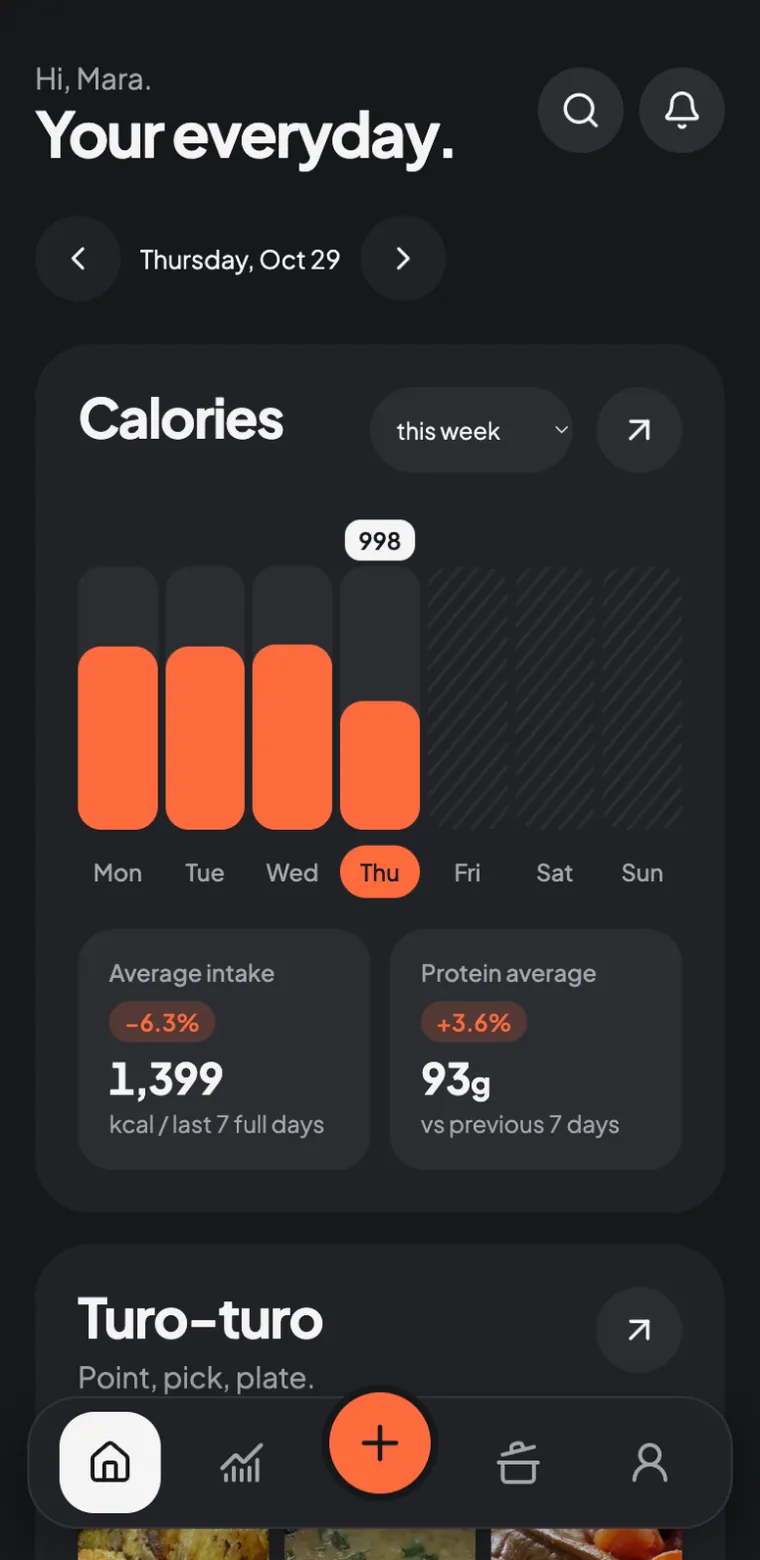
Open Busog in your browser, or install it as an app on your home screen. No account to create.
Busog installs straight from your browser, so there is nothing to download from an app store. It updates itself and keeps working offline.
On iPhone.
- Open this site in Safari over HTTPS.
- Tap the Share button in the browser toolbar.
- Choose Add to Home Screen, then Add.
- Open Busog from your home screen and let its first load finish online.
On Android.
- Open this site in Chrome over HTTPS.
- Choose Install app or Add to Home screen from the browser menu.
- Confirm, then open Busog from your home screen.
- After the shell is cached, try the local diary and bundled search offline.
On desktop, use the browser’s install control when offered. Live barcode lookup and live USDA results need a connection. Browser support and install menu wording vary.