Privacy & product / Busog editorial
A diary that stays at the table
An original Busog guide to offline access.
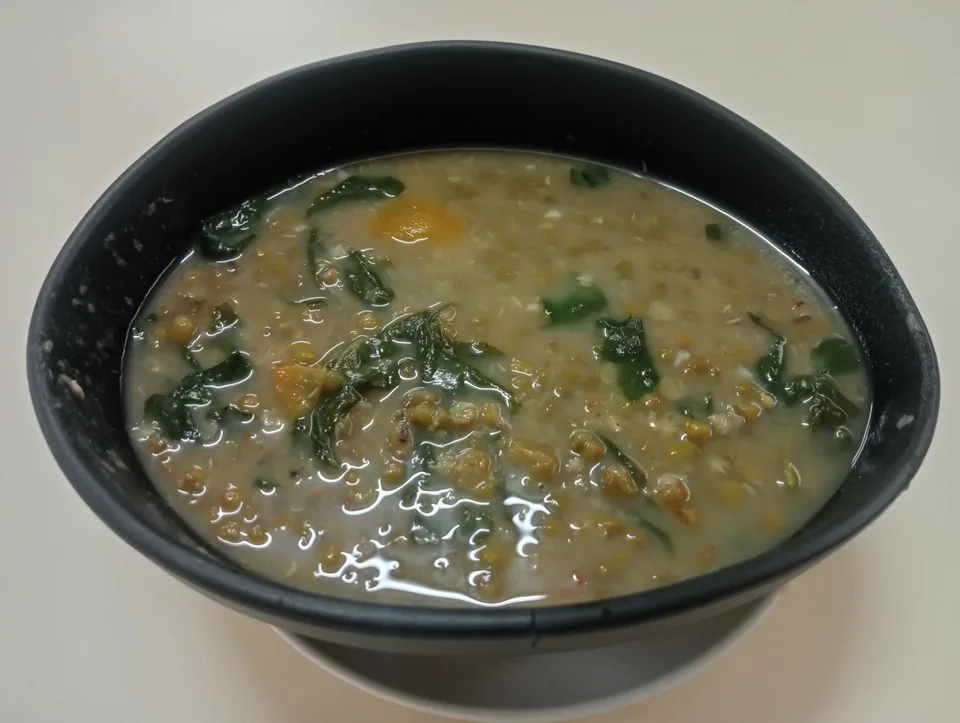
Illustrative photograph. Credits and sources.
The local core
Food logs, weights, water and goals live in this browser. The bundled food snapshot and recipes ship with the app. Once its shell and assets are cached, those parts can work without a connection.
What needs the internet
A new USDA search request and an Open Food Facts barcode lookup need their respective services. Search falls back to bundled ingredients when a live request fails. Barcode lookup explains the problem rather than making up a missing product.
Storage is not a backup
Local browser data can disappear when you clear site storage or use a private session. Busog offers a JSON export of everything. Export excludes the personal USDA API key and keeps the food-source attribution on the records.
Try the boundary
Install the web app, allow its first load to finish, then switch off your connection. Open the diary and search a bundled ingredient such as kangkong. Try a barcode too: its unavailable state should explain why that path needs a connection.
Open Busog and the food library. Ingredient references: USDA FoodData Central.
This article is general information, not individual medical or dietary advice.